
Image Host
Upload files, organise them into folders, manage the gallery, and configure upload behaviour.
The image host stores files on your account: profile assets, screenshots, anything you want a direct link to. It lives under Tools → Image Host and has three views — Upload, Gallery and Folders.
Upload
Drag files in or pick them from your device. Uploads show a progress ring on the file tile while they transfer, and a toast confirms when each one is saved.
Limits and rules:
- Accepted formats — PNG, JPEG, GIF, WebP and SVG images; MP4, WebM, MOV, MKV and M4V video.
- Size — up to 75 MB per file here. Other uploads have their own ceilings, listed below.
- Storage — your account holds 5 GB in total.
- A file whose content does not match its extension is rejected — this is a safety check, not a bug.
- You must be signed in to upload.
The ceiling depends on what you are uploading, and the error message always names the one that applied:
| Upload | Limit |
|---|---|
| Image host file, avatar | 75 MB |
| Background, video | 100 MB |
| Audio | 15 MB |
| Banner, other images | 10 MB |
| Cursor, font | 5 MB |
Gallery
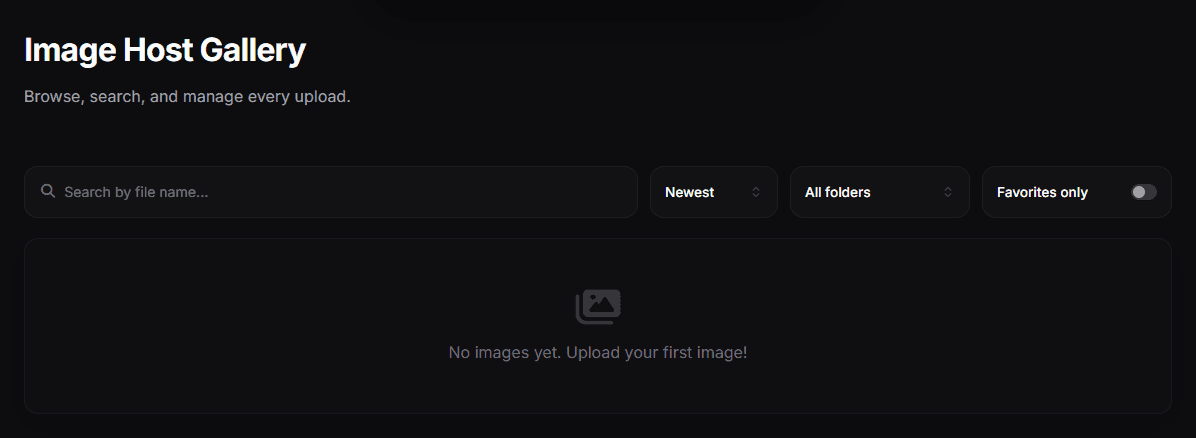
Every uploaded file, newest first. From here you can copy a file's link, move files into a folder, or delete them. Deleting is permanent and asks for confirmation; bulk deletion reports how many files were removed.
Folders
Folders keep the gallery usable once you have more than a screen of files. Create, rename and delete folders, and move files (individually or in bulk) between them. Deleting a folder asks for confirmation.
Settings
The image host has its own settings for how uploads behave and where they live, including Auto-delete after — a retention period after which uploads are removed automatically. Leave it off if you are hosting files you intend to keep.
Deletion breaks live links
If a file is used on your profile or shared elsewhere, deleting it breaks that link immediately. Check where a file is used before removing it.
Automating the filing
Rather than moving files by hand, set up rules in Automations to route new uploads into the right folder as they arrive.