
Embeds
Playable Spotify and SoundCloud tracks and playlists on your profile.
Embeds put a playable player on your profile. Where a widget shows information, an embed plays media.
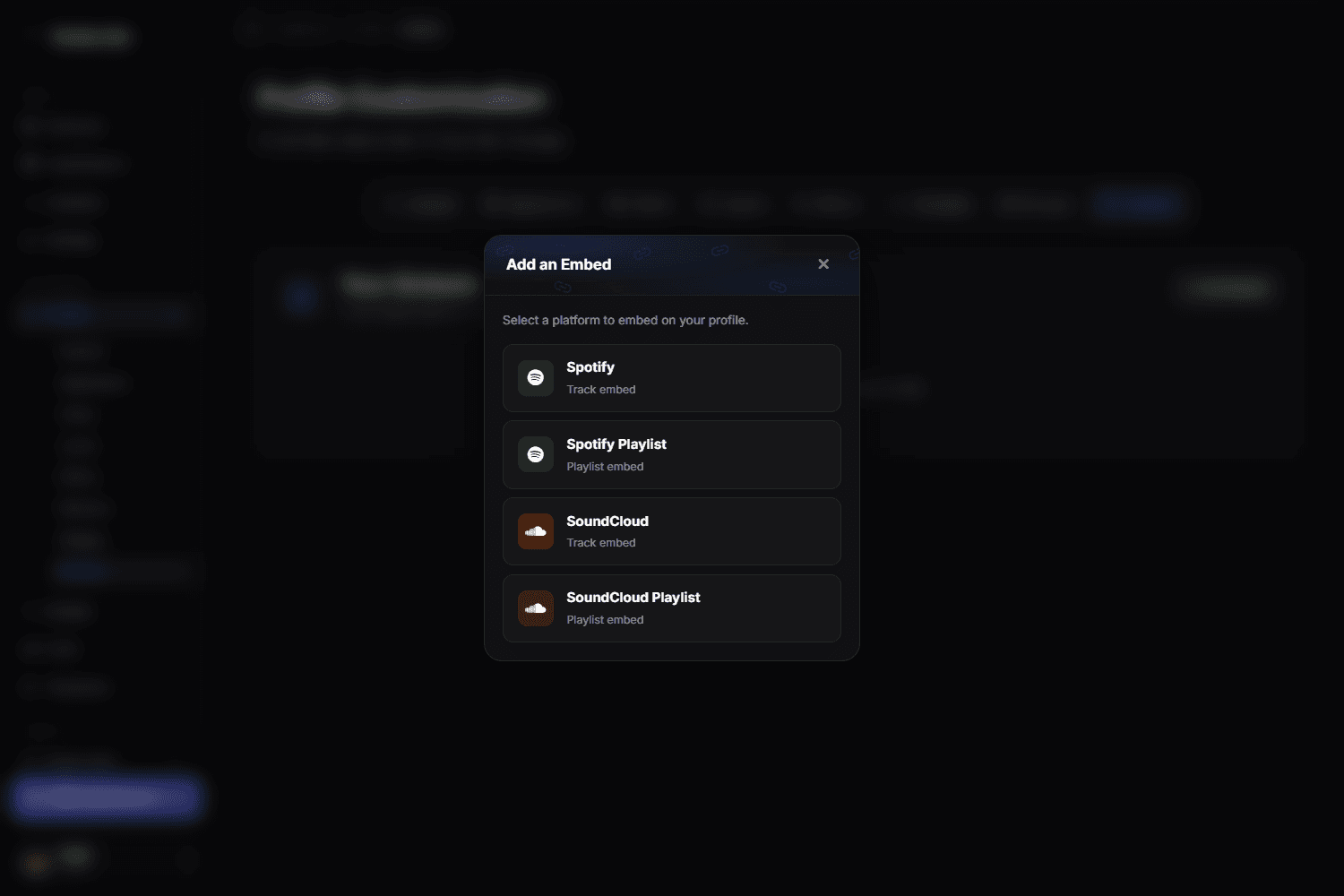
Supported embeds
- Spotify — tracks and playlists
- SoundCloud — tracks and playlists
Add an embed
- Open Customize → Profile → Embeds.
- Copy the share link of the track or playlist from Spotify or SoundCloud.
- Paste it. A valid URL renders a preview; an invalid one is rejected before you can save.
- Save.
Use the share link, not the app URL
Copy the link from the platform's own Share action. URLs taken from a desktop app's address bar, or shortened links, may not be recognised as a valid embed URL.
Playback
Browsers block audio that starts on its own, so an embed will not autoplay for a visitor arriving on your page — they press play. That is a browser rule, not a flexbio.link setting.
Embeds and page weight
Every embed loads a player from the other platform. One is fine. Three players on one profile visibly slow the page down on a phone, especially combined with an animated background from Visuals.
Deleting an embed
Use the trash button on the embed row. Deletion is immediate and cannot be undone.
Embeds vs the music section
An embed is a player from an external platform. If you only want a short audio track to accompany your profile, upload it as audio content instead — that is lighter than a full player.