
Playground
Try every customization option live, without touching your real profile.
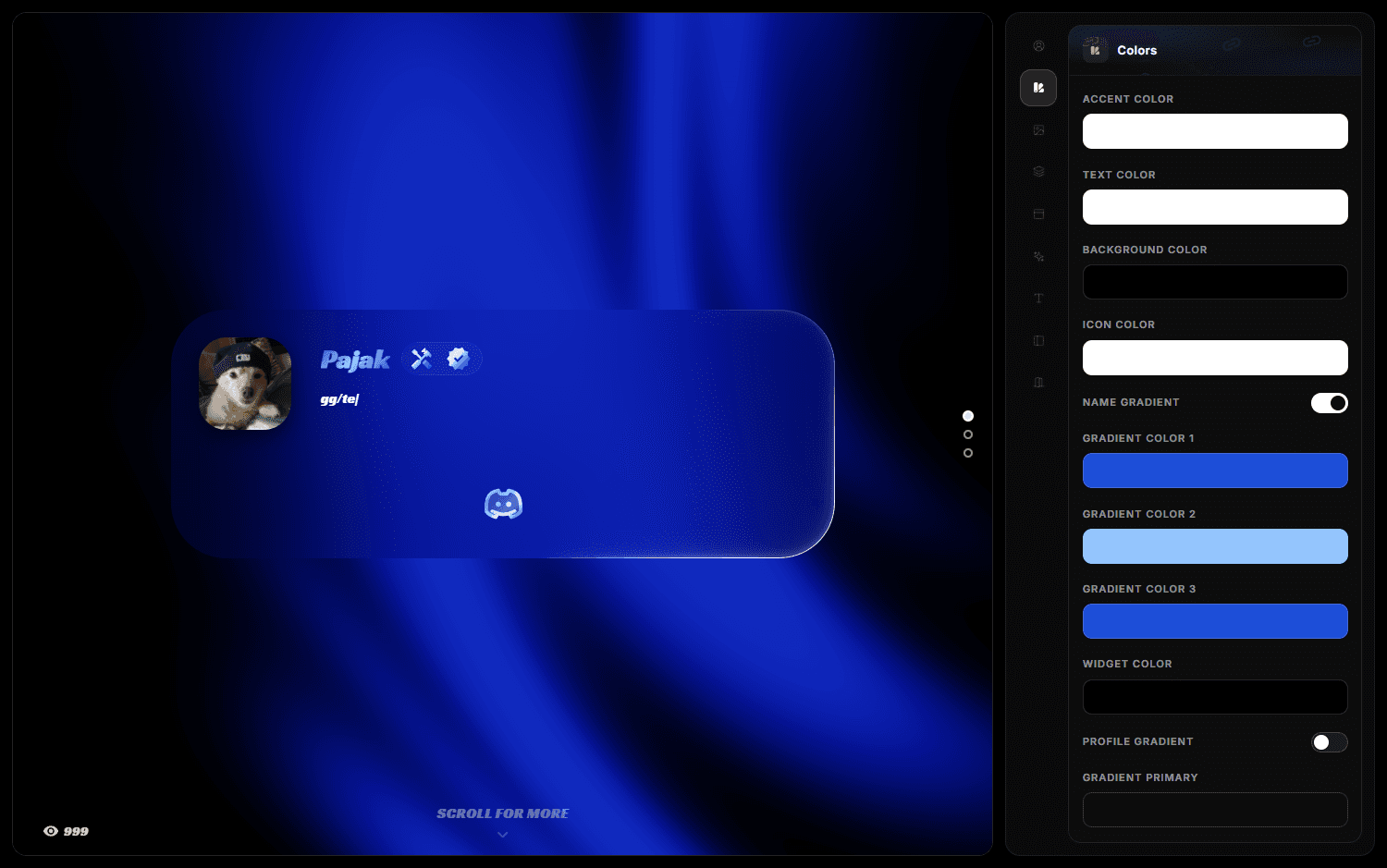
The playground is a sandbox that renders a profile with the real profile renderer. Whatever you see there is exactly what a visitor would see — but nothing you do affects your live profile.
What you can try
The playground mirrors the dashboard's option catalogs:
- Username and text effects
- Profile animations
- Fonts
- Background effects, including their sliders and per-effect colour sections
- Avatar decoration, including the code-drawn effects and their colour
- Top-right card decoration
- The views counter animation
- Colours, layout and card options
How to use it
Open the playground, change options, and watch the preview. When you find a combination you like, apply the same settings in the dashboard — the playground does not save to your account.
Test with your own content
Default placeholder text hides problems. Put your real display name and your longest link label into the preview before deciding on a font or a text effect — that is where cramped layouts show up.
Judging performance
Animated backgrounds and cursor effects run on the visitor's device. The playground is the cheapest place to notice that a combination stutters. If it is not smooth here, it will not be smooth on a mid-range phone.
Why the option lists match the dashboard
The playground keeps its own copy of the option lists, so a brand-new effect may land in one place slightly before the other. If you see an option in the dashboard that is missing here, it is new — apply it directly and check the result with View Profile.