
Portfolio Layout
Build a full-page portfolio with projects, skills, music, custom sections and a footer.
Open Profile → Layout, choose Portfolio and save. Portfolio replaces the standard profile card with a full-page section layout while keeping your username URLs unchanged.
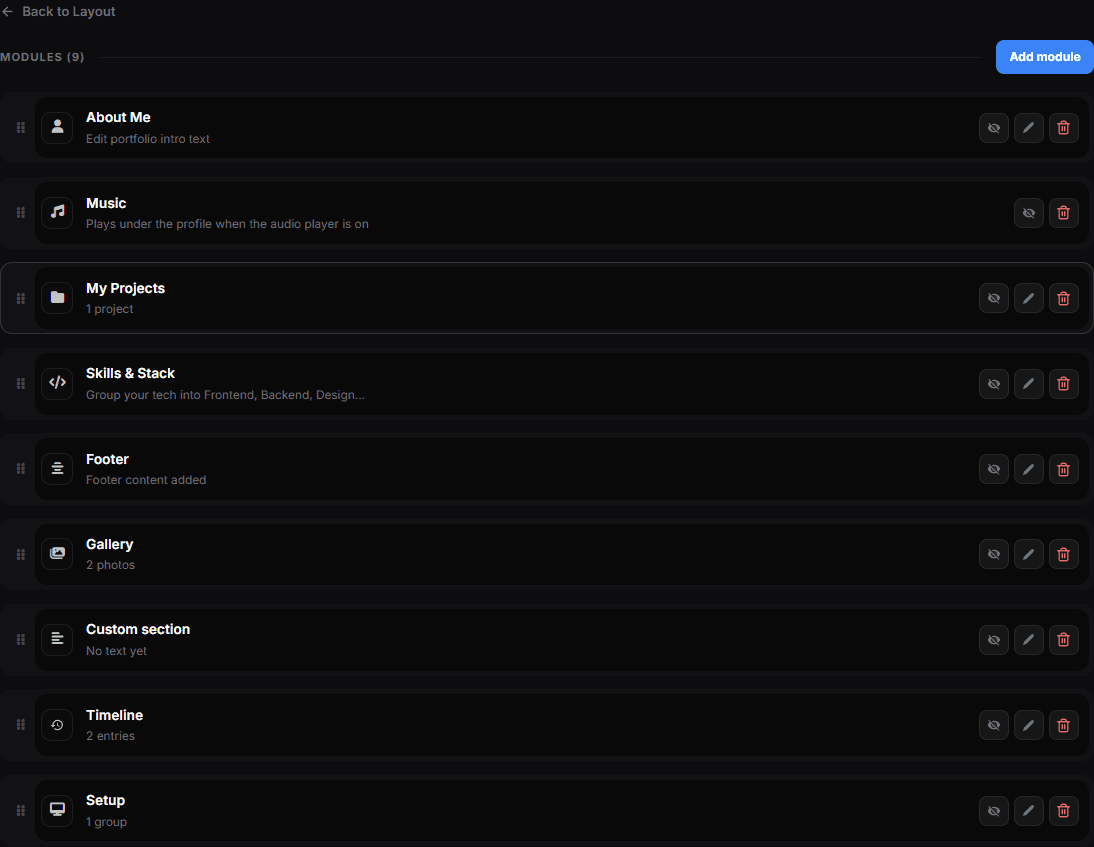
Portfolio modules
Use Add module to add and reorder the parts you need:
- About Me — an introduction with Markdown and an optional text effect
- Projects — a showcase grid with project images, links and technologies
- Skills & Stack — skill groups such as Frontend, Backend or Design
- Music — your uploaded audio using the player style selected in the Audio Manager
- Footer — optional text, contact email and layout
- Custom section — your own heading and Markdown text, up to ten sections
Each module can be hidden without deleting its content. Removing a module that owns content requires confirmation.
Languages, projects and order
Programming languages appear as icon chips. Projects can include a title, description, image, link and technologies. Drag modules to set their page order — the module list is the section order, there is no separate screen for it.
Check the mobile view
Portfolio is a full-page layout. Preview it on a phone after adding long text, several projects or a large music section.
Portfolio data belongs to the selected profile version. Switching profiles preserves the previous version's projects and modules. Portfolio layouts cannot currently be published as public templates.